The list of applications included in the suite is not much changed but there are some improvements, though. One of them is visible from the start: the interface of all the programs has been modified to integrate with Windows Vista. The truth is that the moment Vista broke out into the market imposing new cosmetic standards, Nero was in urgent need for aesthetic surgery.
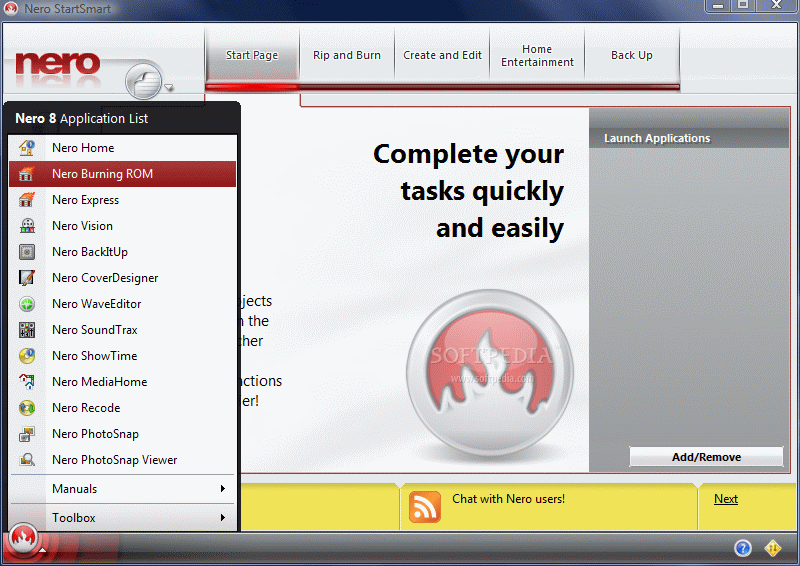
The organizing in Windows Start menu is also changed and the applications are no longer broken into categories, save for those in Toolkit and the manuals. All of them are uniquely defined by their icons and to be frank it is much better this way. With regards to the major applications there is absolutely no change: none of them were taken out and nothing has been added. So you will benefit from the same disc burning quality with
Nero BurningROM, recode discs with Nero Recode, make movies with Nero Vision, relax with Nero Home, view your pictures in Nero PhotoSnap Viewer and edit them in PhotoSnap, play favorite DVD-Video with Nero ShowTime, edit music with Nero WaveEditor, create covers for discs in CoverDesigner
or save important data with BackItUp.
Installing the collection has never taken a small amount of time but with Nero's latest the process seemed like a lifetime. I have not bothered to time the operation for an accurate duration but it took somewhere between 30 and 45 minutes with the default configuration. I also noticed quite a lag when disabling some of the applications of the suite which only made the process take longer.
The only program not included in the default Nero 8 Ultra configuration is InCD (a great app in my opinion). Nero PhotoShow can be installed separately from the main console.
The first application accessed immediately after the completion of the installation process was
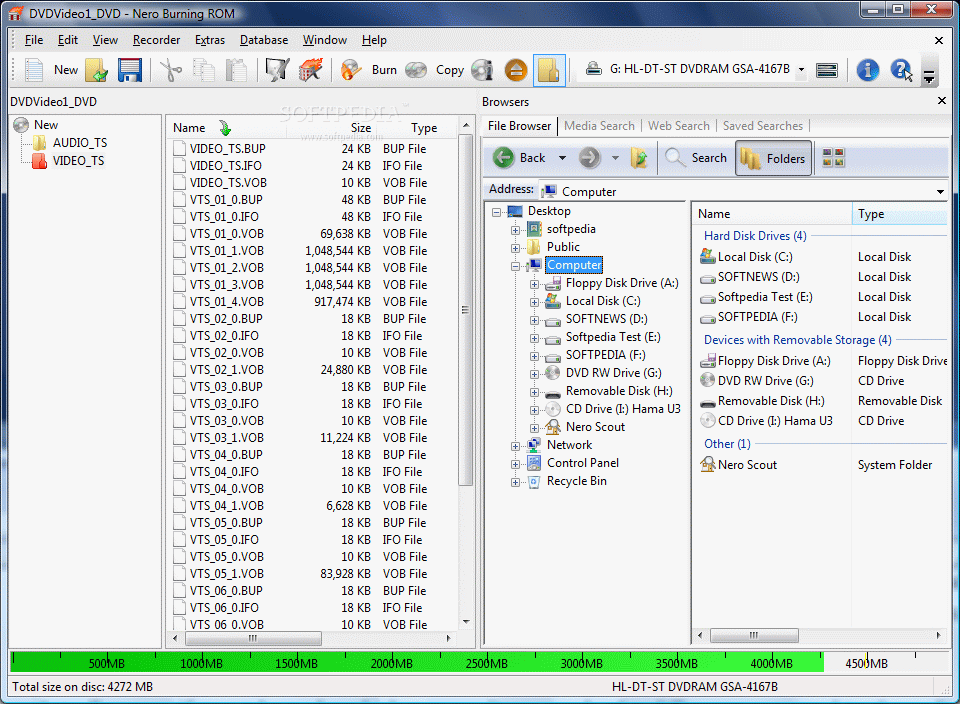
Nero BurningROM, the star of the entire collection. Surprise or not, there is absolutely nothing changed here except for the brand new, shiny interface which comes with smoother lines and changed icons. Other than this there is absolutely no improvement.
Backing up your data has been for some time cheaper and cheaper but essential in safekeeping important files.
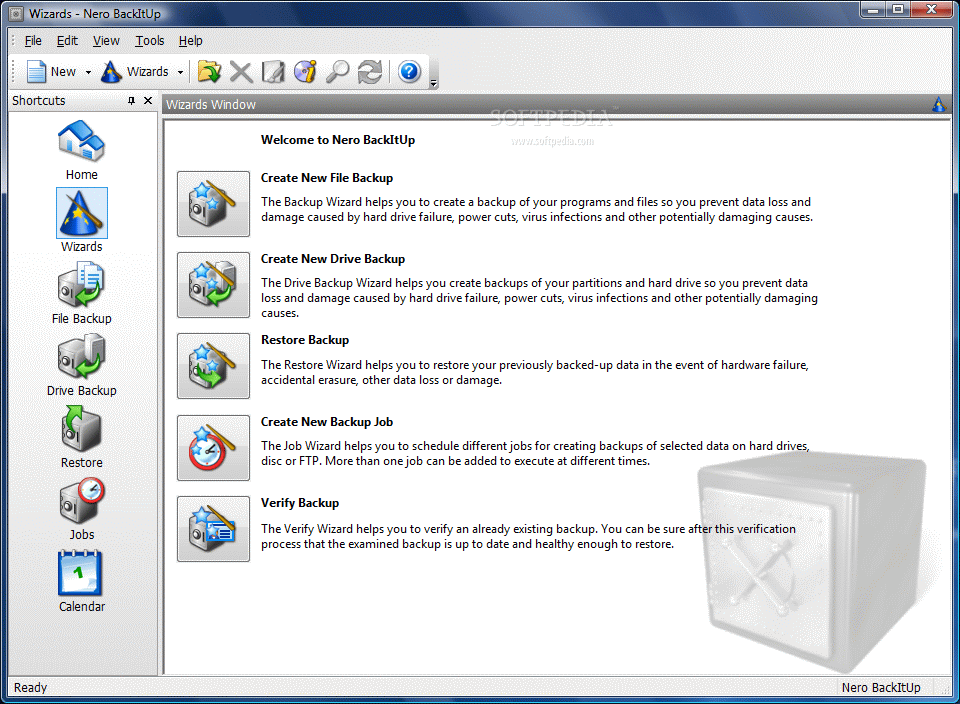
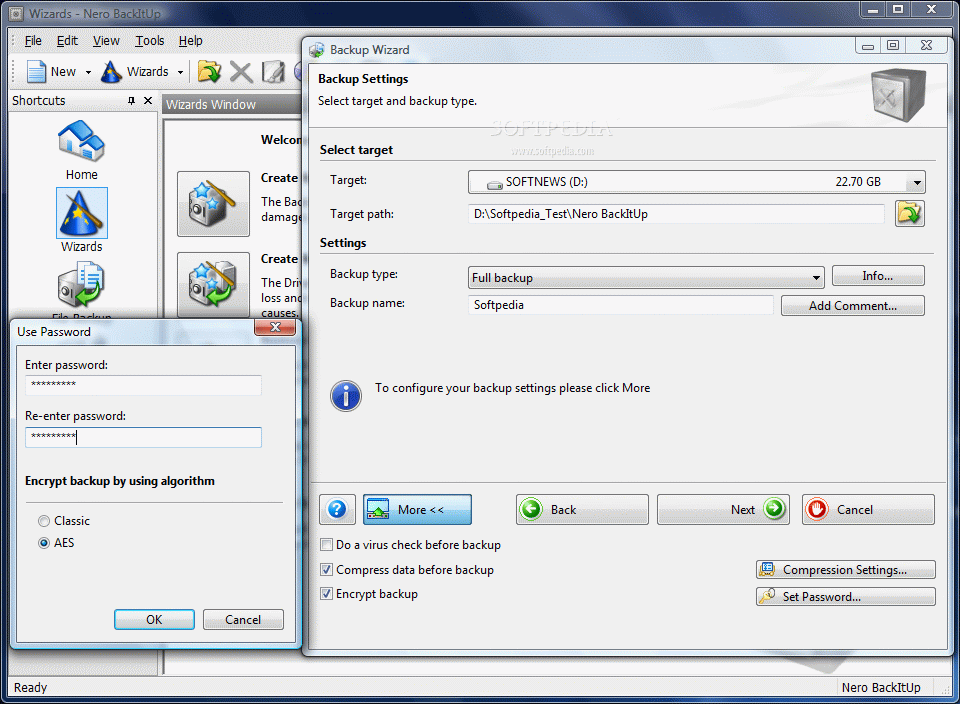
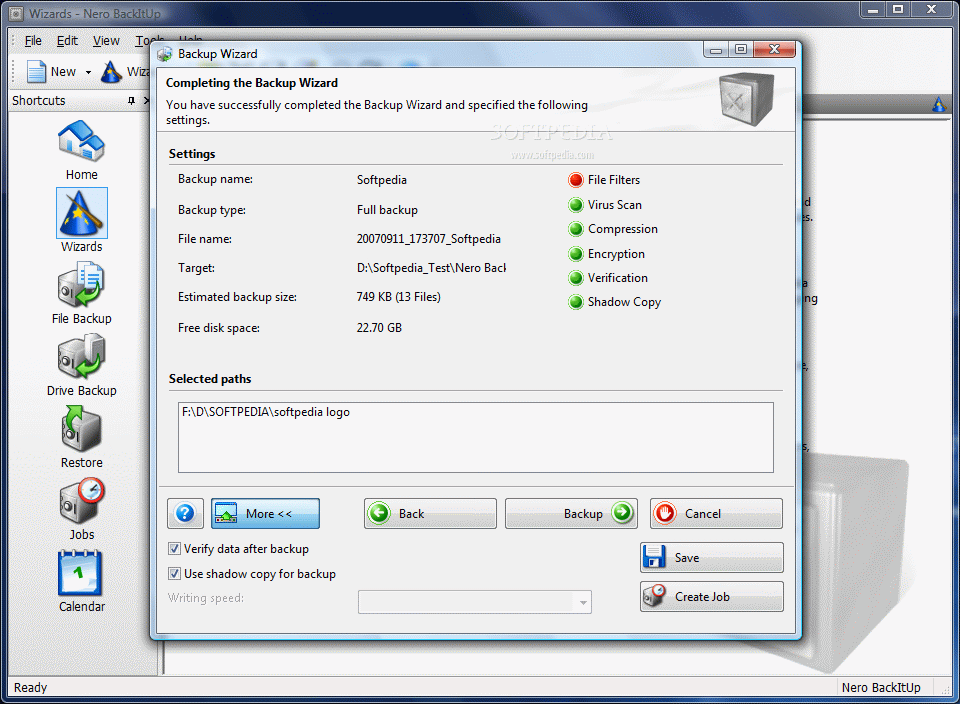
BackItUp covers the basic needs in duplicating and protecting your files. It has no baffling changes and no new technology. Just a few more file filters and encryption algorithms are the only improvements made here. But it is reliable and offers the possibility of backing up entire drives (system can be restored from a BackItUp job). On the downside is the fact that it activates its scheduling service without warning, even if no job is scheduled.
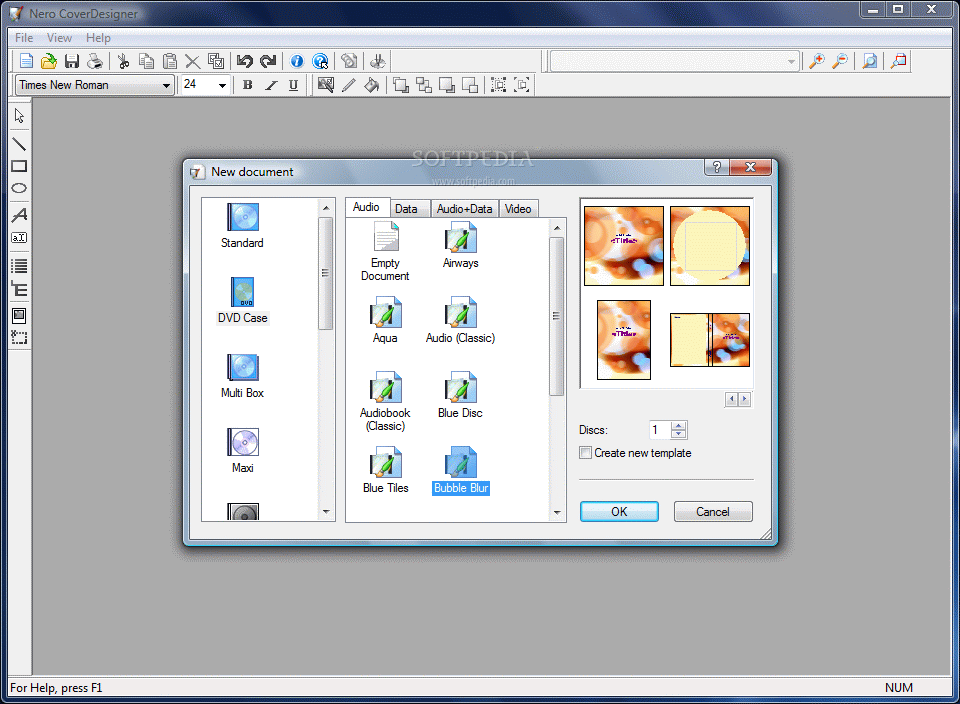
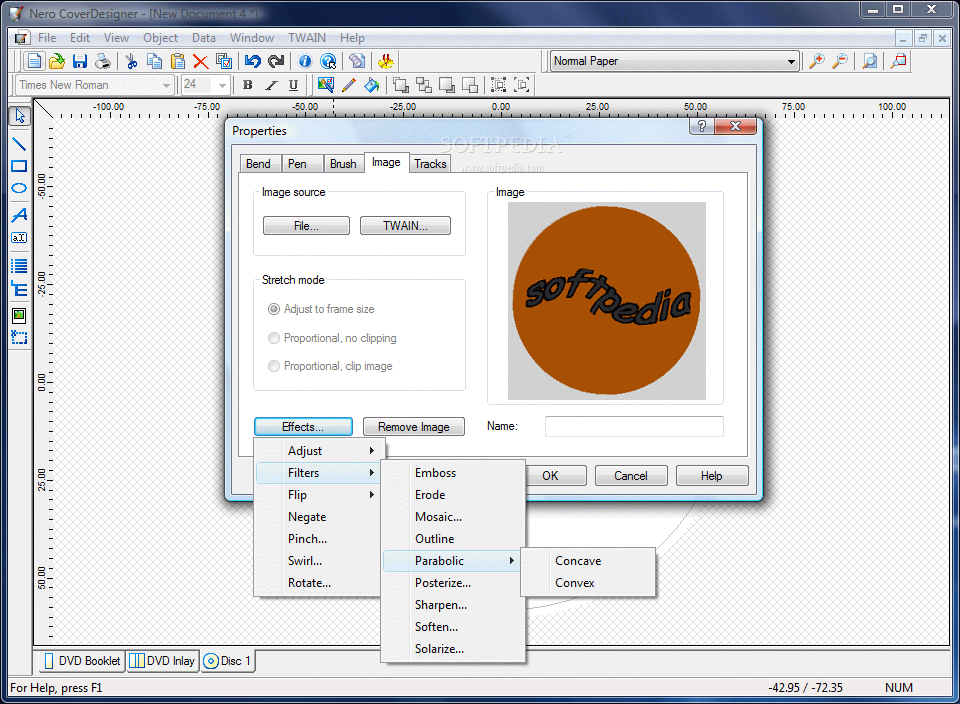
CoverDesigner's melioration is modest as only the addition of new templates makes the difference between this and its earlier version. Also, it is clear that there was little preoccupation in the entire application as the same bugs as in the earlier release were present, namely inaccuracy in displaying the size of files and folders when creating a Standard data disc booklet with a template.
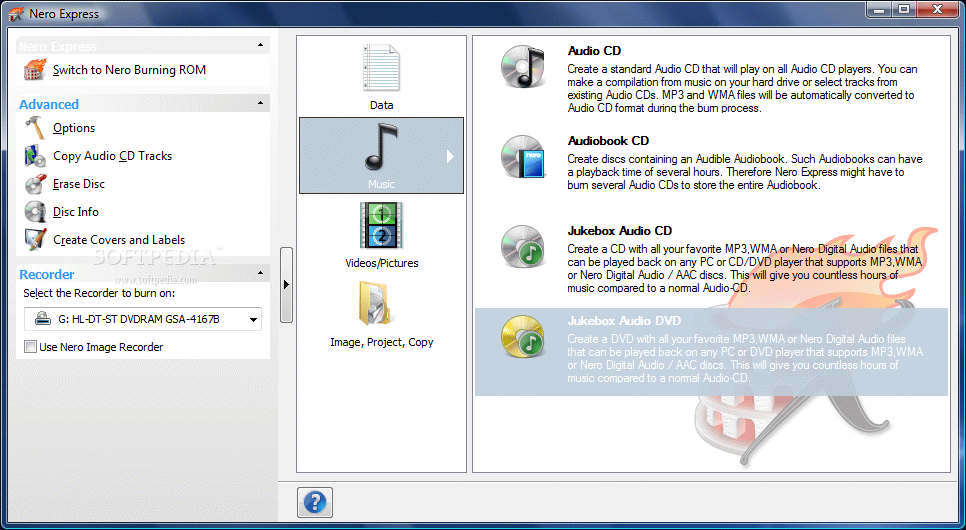
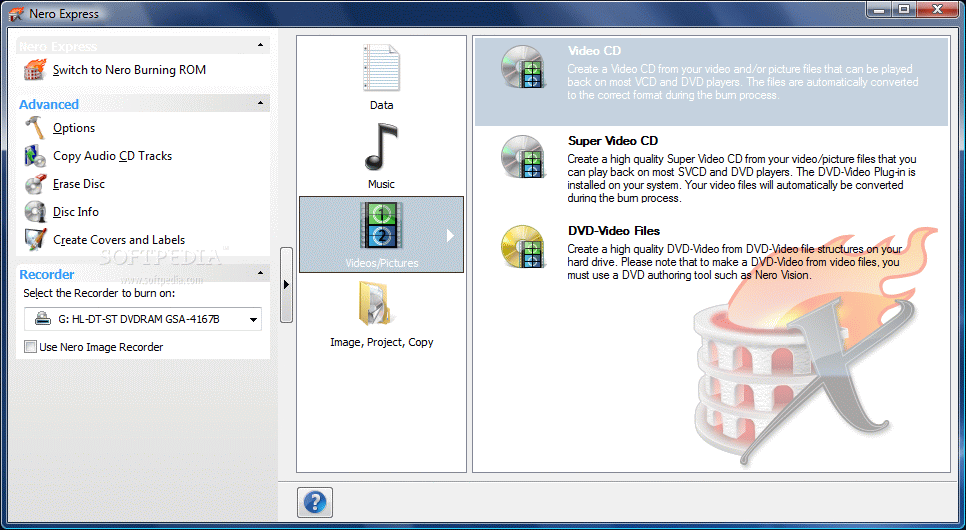
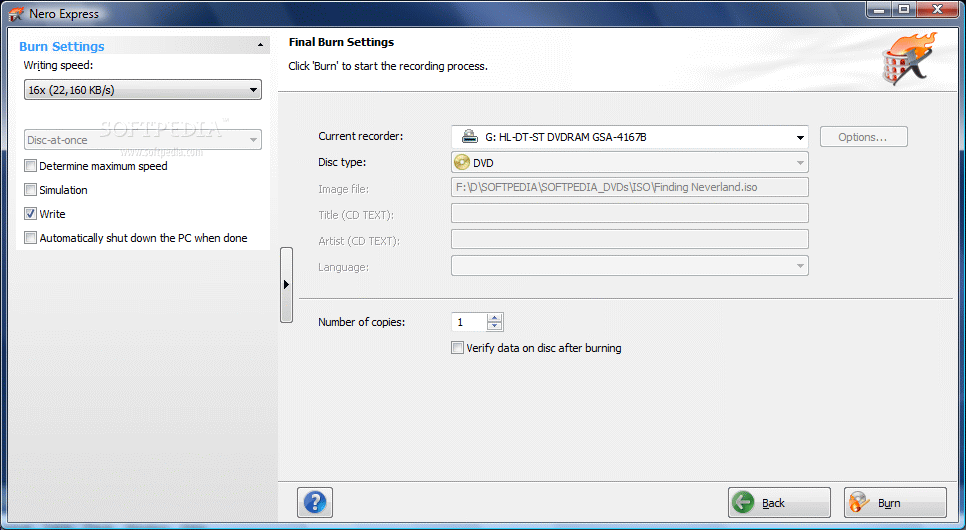
Nero Express comes with new slick looks as well, but these will not fix playing OGG files in built-in audio player when added to Audio CD list. No new settings or options are available and in this case the only improvement is cosmetic. Newsflash: I heard there is someone that managed to make this application portable,
google it.
After spending quite a while testing
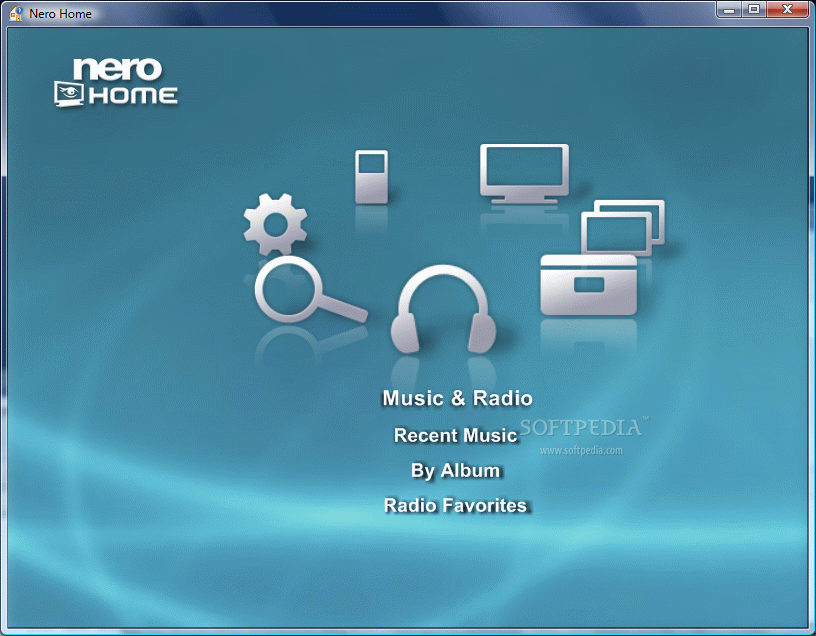
Nero Home the final conclusion is that it is simply a bit far from being complete. It moves very slow and the options are not that great. The bottom line is that it is a growing project which is at the beginning. Here as well there is little work on the features and options and the change consists mostly in the interface.
There aren't too many changes in this version, but the menus for burning DVD Video files are definitely an improvement as there are three categories (Standard 2D, Animated 2D and Smart 3D). The backgrounds of the application are no longer suitable for DVD menus. The number of transitions has shrunk compared to the previous version (only 29 available now).
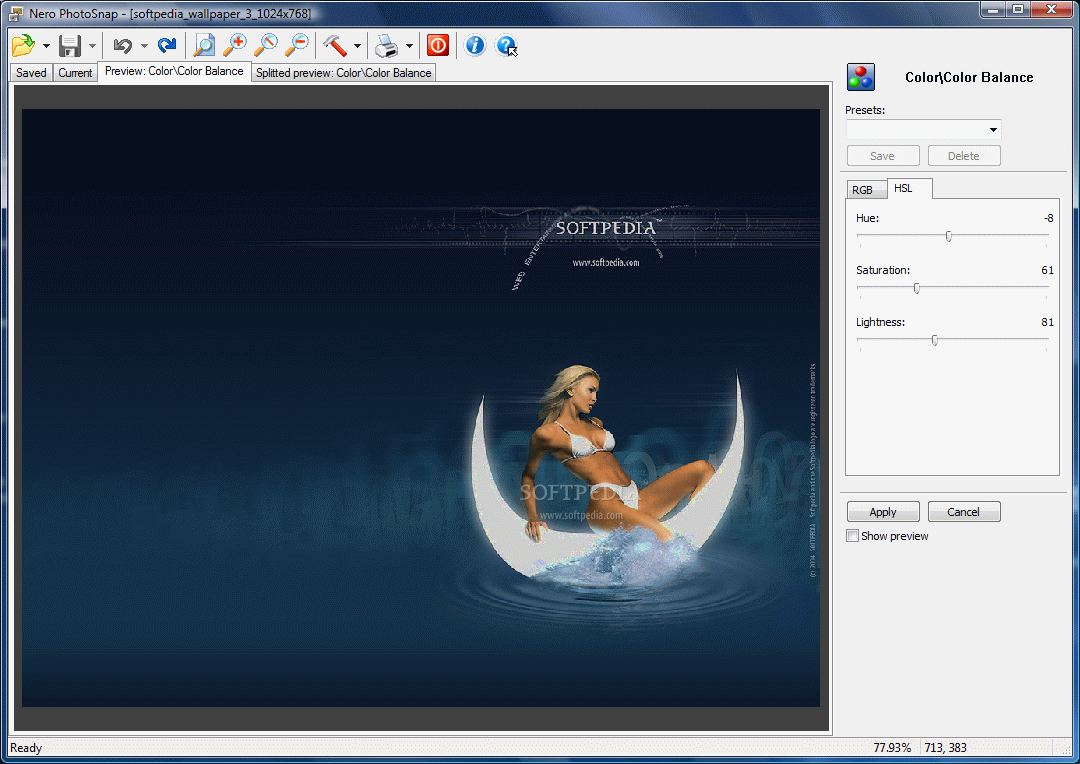
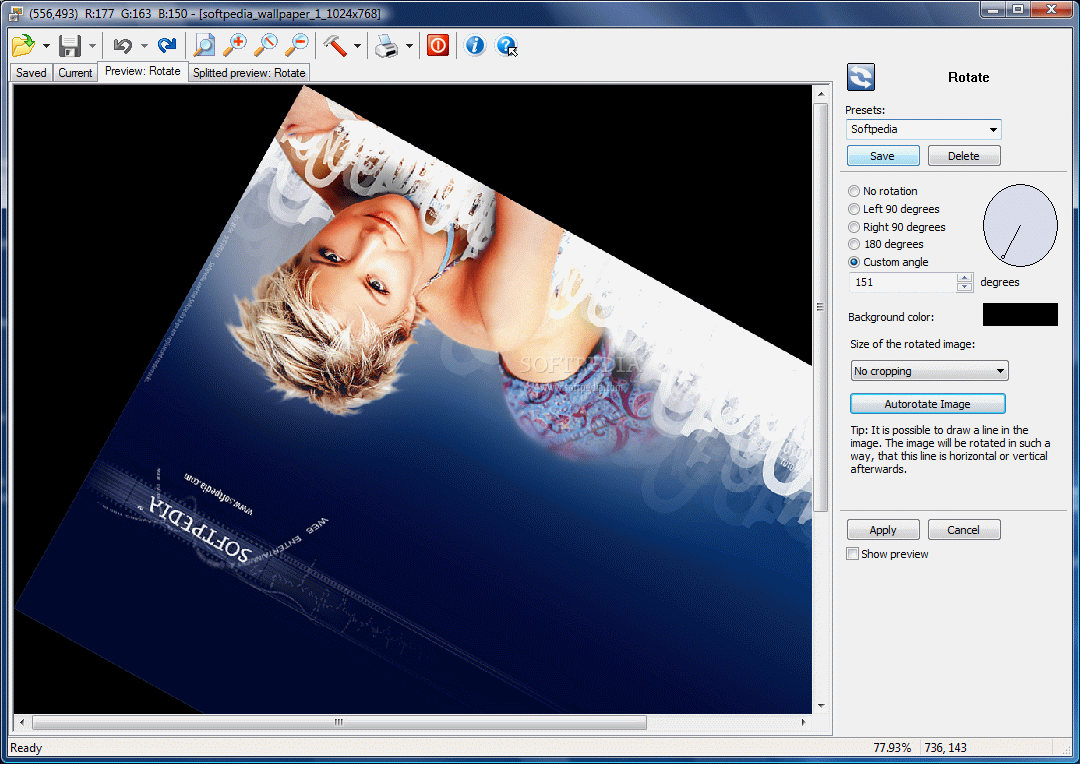
PhotoSnap is light as always, bringing every option into full view. Handling it is piece of cake, but do not expect the results to be professional. Besides applying effects and filters to the loaded image there is little you can do with it. The truth is that I've seen free image editors bring more to the table. However, I have to admit that for an average user trying to better the quality of personal images the application does a good job. But there is absolutely no change besides the interface.
PhotoSnap Viewer is nothing but a very light (maybe too light) image viewer. No new options or features here and the interface is the only modification made. Options for setting loaded image as desktop background or viewing the pictures in a slideshow are far from being implemented.
DVD creation is available in Nero BurningROM and
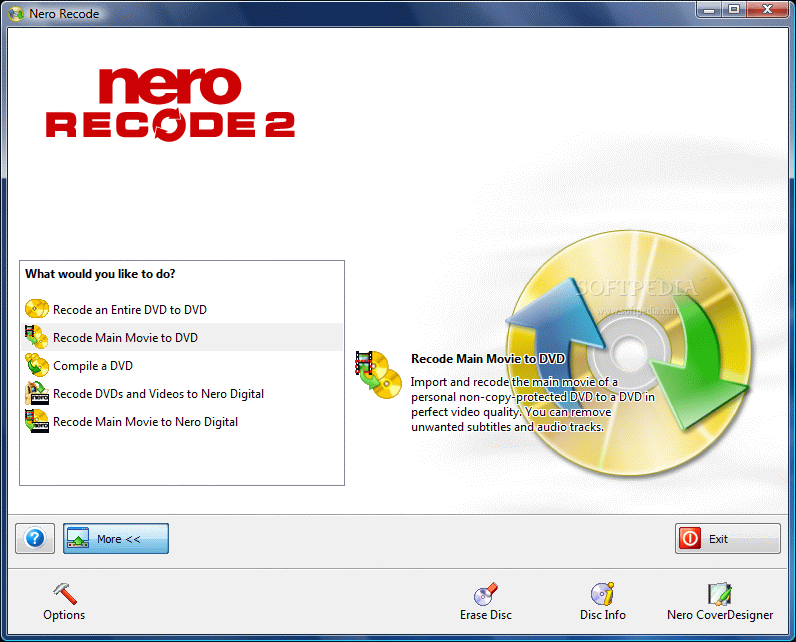
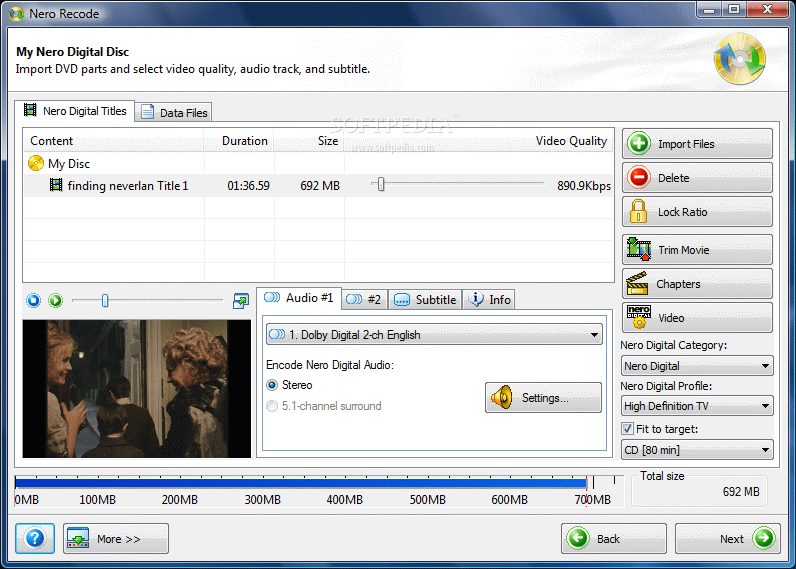
Nero Recode deals with manipulating them. The conclusion in this case is that it changed its looks and preserved the same spirit. All the options have remained the same so you can recode a DVD to DVD, recode only main movie (DVD movie ripping), compile a DVD with DVD files on your computer or recode DVD to MP4 format.
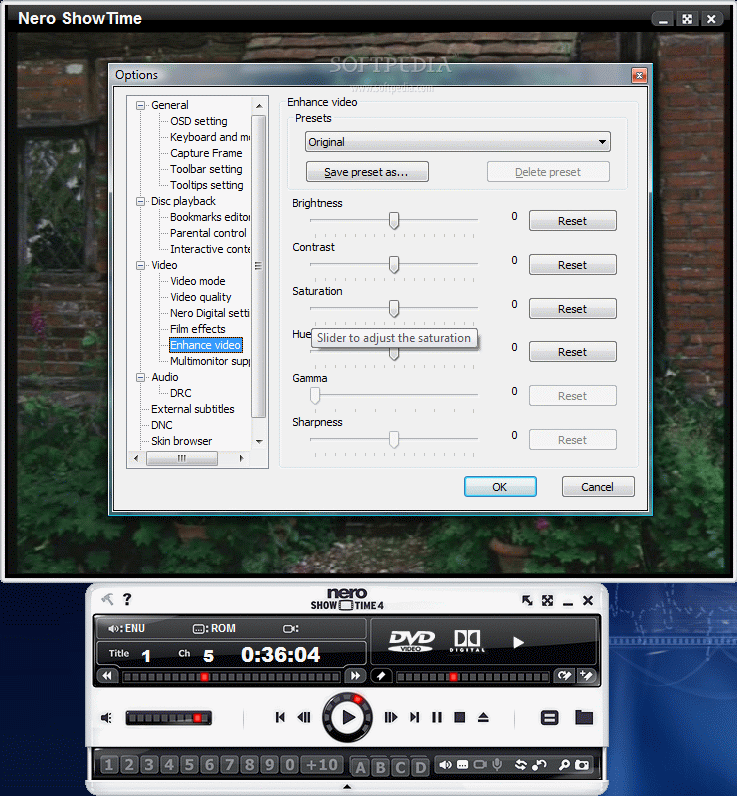
Nero ShowTime, the German media player, is able to handle a myriad of formats, both video and audio. However, this application is not flawless as there are minor issues when it comes to video enhancement which refused to show its true powers during our testing. But hey, it comes with a new interface, Parental Control and Interactive content options. It is also able to play Blu-ray and HD-DVD media.
An application I am sure most users have been waiting to be brought to modern times is
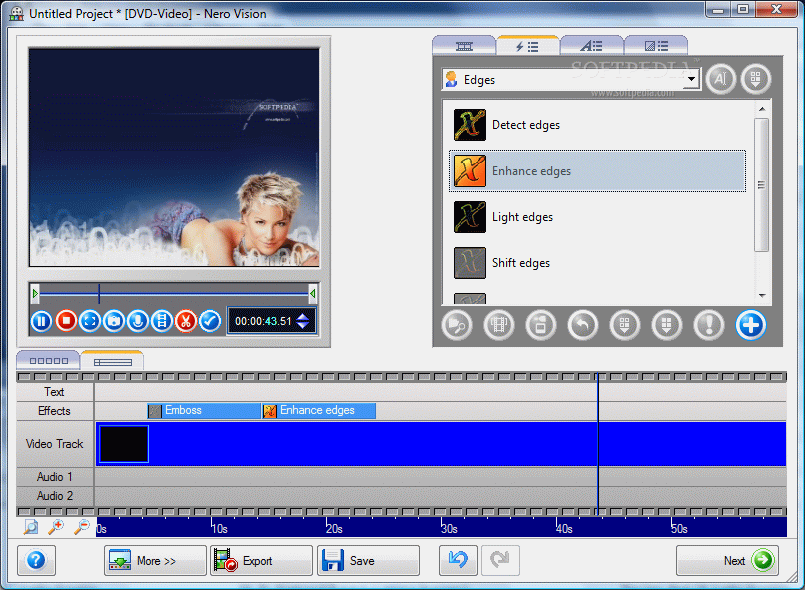
Nero Vision. Its predecessor was quite obsolete these days as it could not handle DVD files. But the German developer made an effort and included DVD component in this release. You have a chance at making your own DVDs with the slightest effort as well as creating beautiful slideshows to be played on the home DVD player. Movie filters and effects will give personality to your creations and make them look genuinely professional. Working with the application is a cinch even for unskilled users.
When it comes to audio processing it seems that
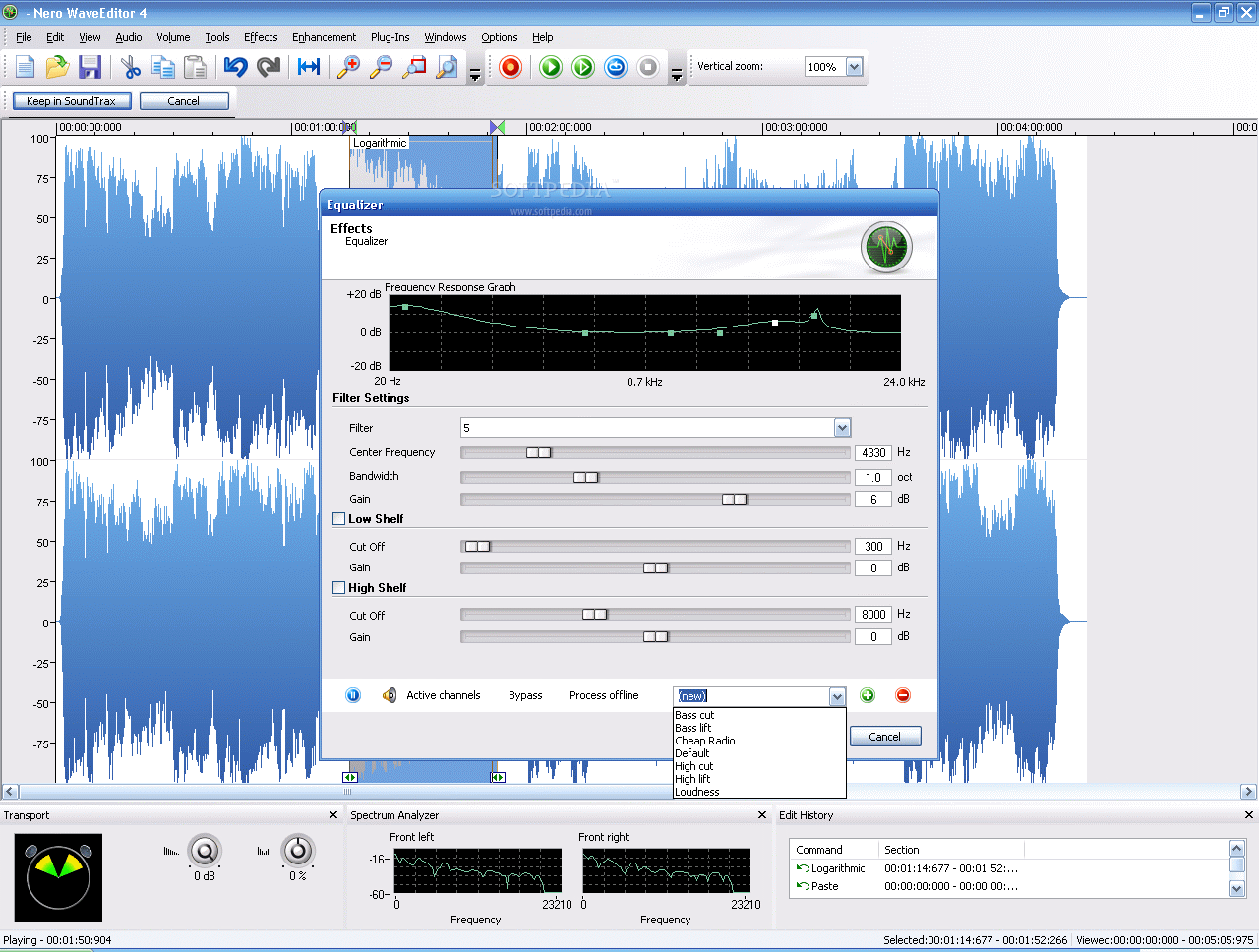
Nero WaveEditor made quite an impression to our Audio Reviewer,
Florin Tibu. The application did not get a five star overall rating, but if he gave it four there is no doubt that a home user will have no difficulty in handling it.
The part of the bundle that has benefited from more attention is
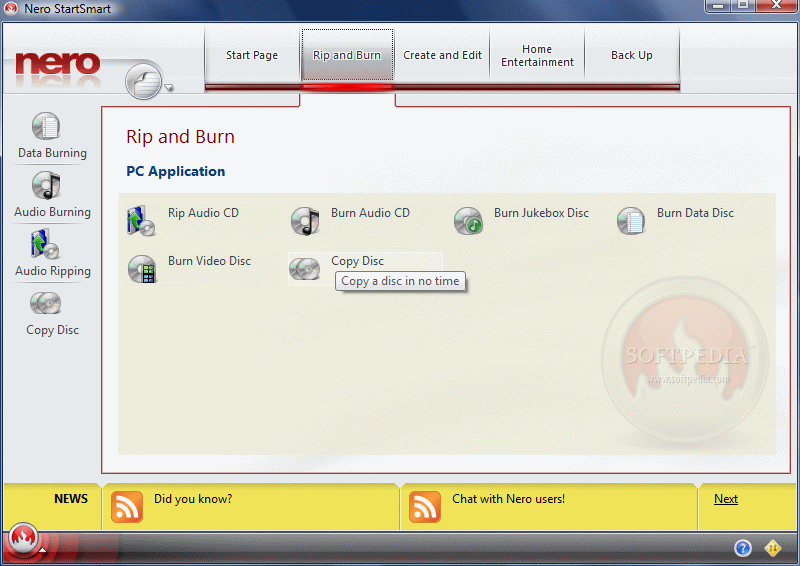
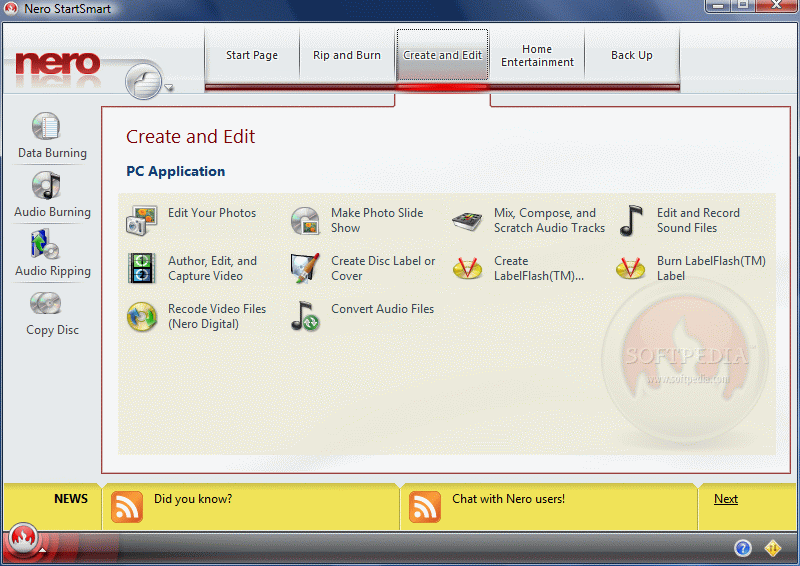
Nero StartSmart. Indeed, the application suffered the most surgeries than any other in the suite. The options are better organized and easier to access. Plus placing shortcuts to the frequently used applications in the collection is definitely a plus. But there are glitches in the program like disabled Cancel function when copying discs.
SoundTrax. All I can say about it is that it is a good application for the uninitiated in audio mixing and a good start. But, as our Audio Editor remarked in his review of the application it is not designed for advanced users and it is strongly in need of improvements in order to gain more value for more "elevated" users.
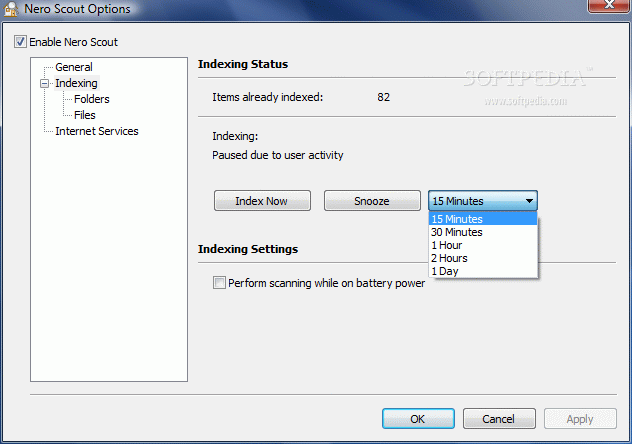
These are the major applications bundled in Nero 8 Ultra Edition. But the suite does not offer only this as Toolkit section brings more programs that raise its value. Nero Scout is indispensable for multimedia rendering as it indexes every media file you feed it making it ready for playing in Nero Home. The downside is that its service is activated with absolutely no warning.
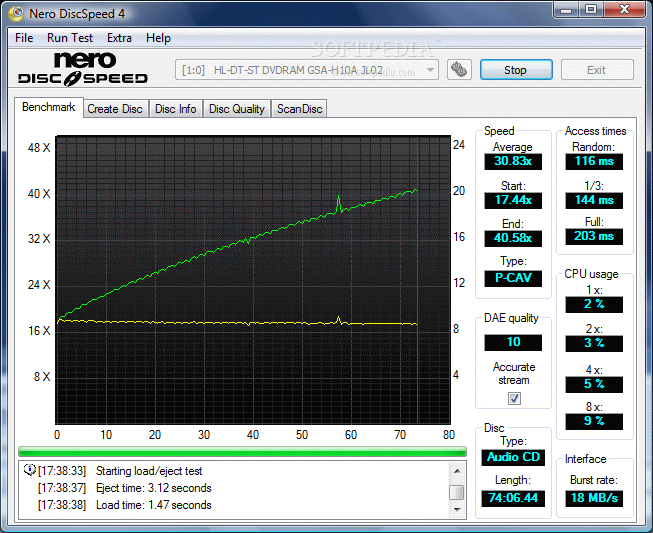
The list of additional tools available in Nero bundle give the user a chance to test the health of the disc drives with
DiscSpeed, reduce noise of the drive with
DriveSpeed, assign which users have burn rights with
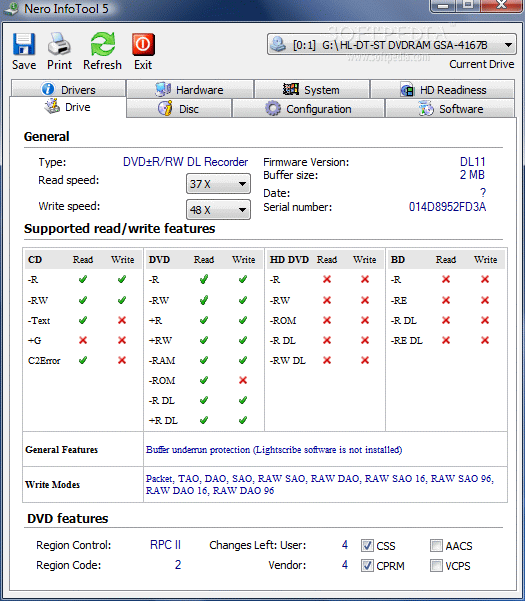
Nero BurnRights (although this tool did not work during our testing) or learn the insides of your computer with
Nero InfoTool.
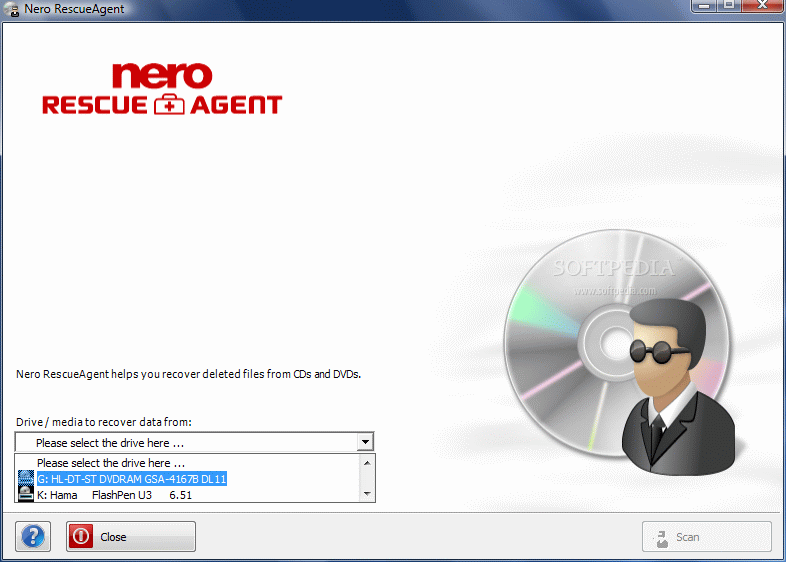
Nero RescueAgent is the new kid on the block, making a great debut in Nero suite. It allows you to retrieve deleted data from UDF system formatted CD/DVD-RW media. There are still some issues for the systems not supporting UDF but with upgrading Nero InCD Reader for the 8th version of the collection all of them will be solved.
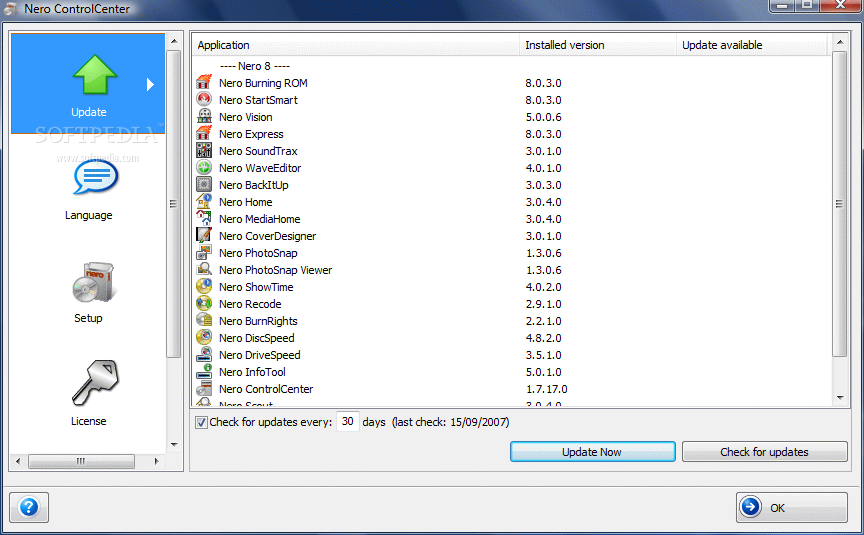
ControlCenter is also a new tool in the bundle that keeps you posted with the latest updates from Nero. More than this, you can also uninstall the suite from here.
All in all the bundle does not present too many improvements and aesthetics remains the major change. The price is $79.99 for now and for this money you will also get Nero 7 Ultra Edition Enhanced. Not too bad of a deal if you think in terms of quantity. But the two things are pretty much the same as there are few differences between them.
The GoodThe interface is definitely the best thing of the bundle as it is now Vista compatible and to tell the truth it looks great. As for functionality, it is enhanced and the new features, tools and options are a plus.
Nero RescueAgent is a missing piece of the puzzle adding to the value of InCD. By far Nero StartSmart is the one application that has been awarded with the most attention from the developer.
The BadBesides the interface there is little to be noticed in the entire bundle. Minor aspects that should have been taken care of in this version are still at large.
Nero Home preserves its slow motion and brings very little improvement. Also, installing the suite is quite a chore as it takes a while (true that there are many applications to be installed). Selecting the programs in the bundle to be installed will bring you on the edge of leaving installation for a later time.
The TruthIf I were you I would stick to the older version of Nero. If you are not dependent on all the applications in the collection (and I am sure you are not) and all you need is Nero BurningROM and a few other apps, Nero 8 Ultra Edition is not a great loss and you can live in perfect happiness without it.
The bottom line comes to this: Nero BurningROM is still the best component of the suite and everything else can be easily replaced by other software.


 Nero Multimedia Suite 10 excels your multimedia power with a collection of three products bundled into one powerful suite. It’s loaded with advanced video editing features, media organizer and player, superior burning software, reliable backup technology, and special multimedia tools to enhance your music, photos and videos.